

Best Security Cameras With No Subscription (2026)

SecurityCompass HQ
Quick answer: Yes, you can get a good security camera without paying a monthly fee. The cameras below record to a microSD card or a home base station, so you own your footage and nobody bills you for it. Check the fine print on the exact model before you buy, because "local storage" doesn't always mean "no subscription."
Last updated: September 28, 2026. Research-based guide: our findings come from published specs, pricing pages, and support documentation. We have not hands-on tested the cameras mentioned here.
How this list was made
One rule: the camera has to save your recordings with no paid plan. Not a free trial, not "basic" cloud clips that expire, but real local recording you keep without a subscription. Everything below meets that bar based on the manufacturer's published specs. Where a brand makes the no-subscription story complicated, we say so, that's the whole point of this page.
eufy SoloCam S340
Solar-powered outdoor camera that records locally to a eufy HomeBase, no monthly fee for your recordings. The solar panel keeps the battery topped up, so you're not climbing a ladder every few months. Dual lenses give you a wide view plus a zoomed-in look at the same spot.
Honest catch: the full local-storage story needs the HomeBase. Check whether the bundle you're buying includes one or if you're expected to add it.
eufyCam E340
Another eufy, because they own this category. Dual-camera setup with local recording to the HomeBase 3, no subscription needed to keep your footage. Good pick if you want wider coverage from fewer cameras.
Honest catch: same as above, the HomeBase is doing the heavy lifting. Confirm it's in the box.
Wyze Cam v4
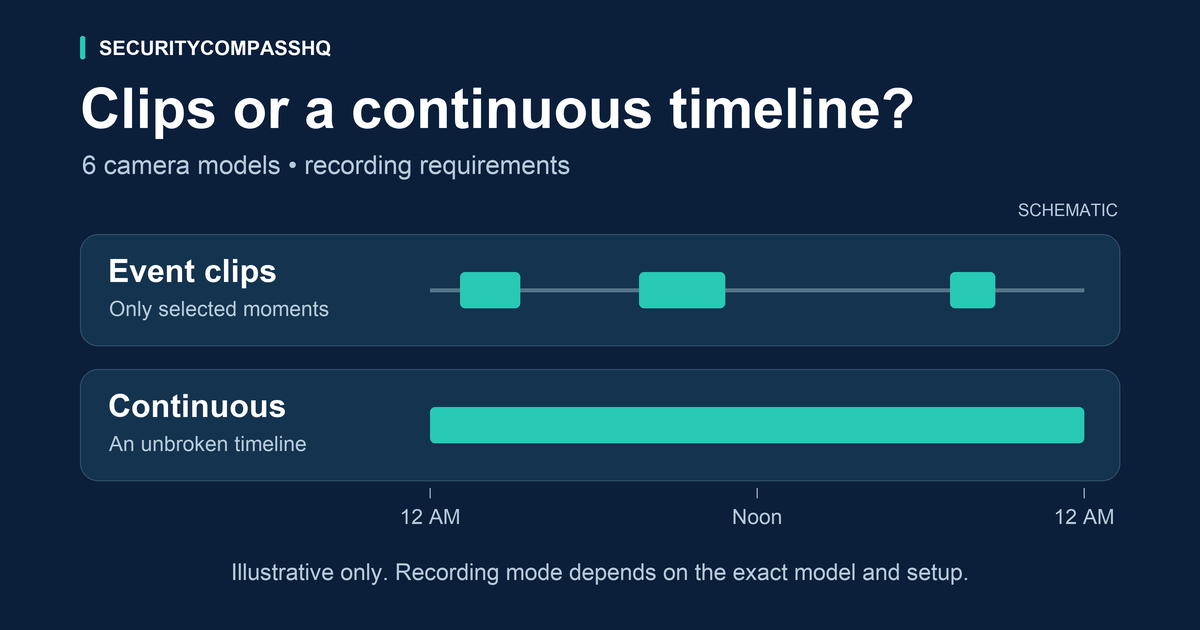
The cheapest way onto this list. A microSD card slot gives you continuous local recording with no plan at all, and it's rated for outdoor use. If your budget is tight and you just need a camera that records without a monthly bill, start here.
Honest catch: the card overwrites itself every few days depending on size, so this isn't archival footage. Person detection and cloud clips are the paid part, the free local recording is the dumb-but-reliable kind.
eufy Indoor Cam S350
Dual-camera indoor option with local storage and no subscription for recordings. Pan-and-tilt plus a wide lens means one camera covers a whole room.
Honest catch: it's indoor-only. Don't mount it under an eave and hope for the best.
Arlo Pro 5S
Genuinely good camera, and it can record locally. But it's the weakest no-subscription story on this list: local recording needs the Arlo SmartHub base station, sold separately, and Arlo nudges you toward the paid plan at every turn. Buy it for the camera, not for the subscription freedom.
Honest catch: factor the SmartHub into the real price if local storage is your goal.
What to check before you buy any camera
Three questions, asked before you spend a dollar:
- Can I view and save recordings with no paid plan? If the answer is buried three pages deep on the manufacturer's site, that's your answer.
- Where does footage go without a subscription? SD card, base station, your own server, or nowhere?
- What stops working if I never pay? Some cameras lose person detection. Some lose everything. Find out which before the paywall finds you.
FAQ
Do I need a subscription to view my recordings?
Not with the cameras on this list. They save footage locally, so live view and playback work with no paid plan. Many other cameras keep saved recordings behind a paywall, which is why this page exists.
Can a thief steal my local recordings?
If the footage lives only on an SD card inside an easy-to-reach camera, yes. Cameras high and out of reach help; a hub or base station inside your home fixes it properly.
Why do so many cameras charge monthly?
Cloud storage costs the company money every month, so they charge you every month. Cheap camera, expensive forever. Local storage breaks that cycle because there's no cloud bill to pass on to you.
The bottom line
A security camera should not charge you rent to watch your own front door. Every camera above records locally with no monthly fee. Verify the exact model's terms before you buy, not after the paywall pops up.
Not sure which system fits your home? Run the free Plan Builder and it'll match systems to your priorities before you spend anything.
Disclosure: SecurityCompassHQ may earn a commission from some purchases or referrals, including the Amazon links above. Brands cannot pay for a better editorial ranking. Prices and plan terms change; verify with the seller before deciding.