
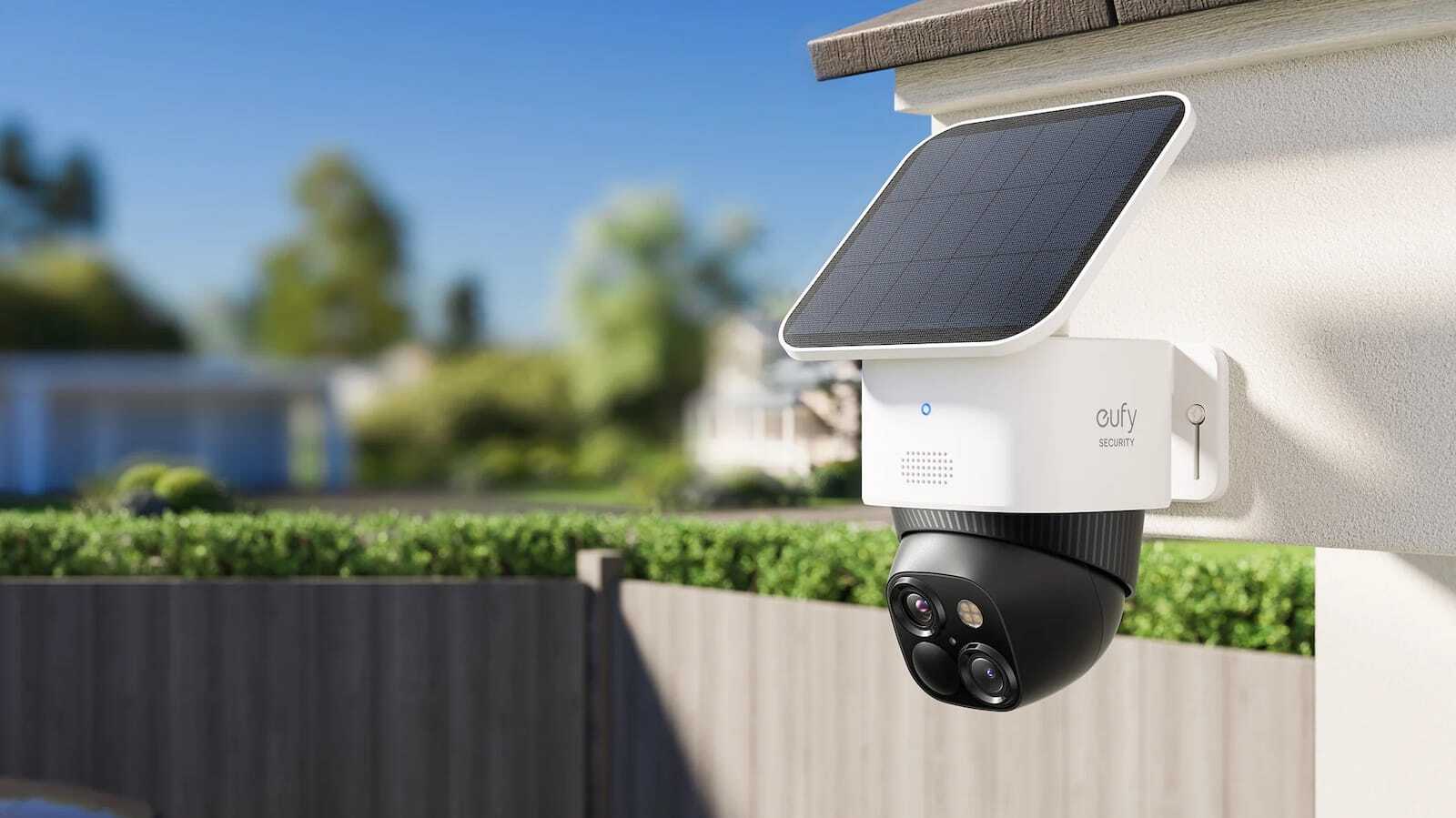

Best Home Security System With No Monthly Fee (2026)

SecurityCompass HQ
Affiliate disclosure: SecurityCompassHQ may earn commissions from some links on this page, including as an Amazon Associate. Commercial compensation is not evidence of product quality and never changes which products we document. This is a research-based review. We have not hands-on tested any system on this page.
Key takeaway: No professionally monitored system is free, because a monitoring center has to answer alarms around the clock. Fee-free options are self-monitored kits (you buy the equipment and respond to alerts yourself) and cameras that save clips to onboard or card storage. The lowest documented professional monitoring is SimpliSafe Standard at $22.99/mo with no contract (priced April 2026).
Decide in about a minute
Answer three questions and you have your shortlist:
- Who should respond when the alarm goes off at 2am? If the answer is "a monitoring center, not me," you need one paid plan. The cheapest documented is SimpliSafe Standard at $22.99/mo, no contract. If the answer is "me, on my phone," keep reading, because $0/mo is realistic.
- Do you need saved video, or just alerts? Alerts alone are cheap or free on several systems. Saved clips are where fees attach, unless your cameras store locally.
- Can you drill and wire, or are you renting? Renters do best with battery cameras and peel-and-stick sensors. Owners can add wired cameras that record continuously to local storage.
Can you get a home security system with truly no monthly fee?
Yes and no. It depends on what "system" means to you. No company sells a professionally monitored alarm system with zero monthly fee. Professional dispatch means a staffed center watching your alarms 24/7, and that labor is what the monthly fee pays for.
What can be fee-free:
- Self-monitored alarm kits. You buy the equipment outright. When a sensor trips, the app alerts you, and you decide whether to call for help. No monthly bill, but no professional dispatch either.
- Cameras with local storage. Clips save to onboard memory, a microSD card, or a hub at your home. No recording subscription required.
If anyone promises you "no monthly fee" and professional monitoring in the same pitch, read the quote twice. That is exactly the kind of fine print our Quote Decoder exists to catch.
What no monthly fee actually costs you
The trade is always the same: money versus response. A self-monitored setup costs $0 per month but puts the response job on you. If you are asleep, traveling, or miss the notification, nobody else is watching. Professional monitoring, documented from $22.99/mo with no contract, means a center can dispatch on your behalf. Neither option is better in the abstract. The right question is who responds when the alarm goes off at 2am.
Documented options, compared
Figures are from our own published pages with their verification dates, not current quotes.
| Setup | Documented cost | Monthly fee | What you give up |
|---|---|---|---|
| Eufy Video Doorbell E340 (doorbell camera, 8GB onboard storage, standalone) | See current price | $0 for local clips (manufacturer specs checked Sep 11, 2026) | No alarm panel, no professional dispatch |
| Wyze Cam v4 plus compatible microSD card (up to 256GB, continuous local recording) | See current price | $0 for local recording (specs checked Sep 11, 2026) | No alarm panel or dispatch; you manage a card in each camera |
| Arlo Pro 5S plus SmartHub (local recording via hub) | See current price | $0 for local clips via Direct Storage Access (checked Sep 11, 2026) | Hub compatibility checks required; away-from-home playback needs extra setup |
| SimpliSafe Self-Monitoring with Camera Recordings | $230 to $500 starter kit (Apr 2026) | $9.99/mo | No professional dispatch, you respond |
| SimpliSafe Standard | $230 to $500 starter kit (Apr 2026) | $22.99/mo | Professional dispatch included; camera recordings are not |
| ADT Blu Self-Protect with cameras | See current equipment price | $14.99/mo (checked Sep 9, 2026) | No professional dispatch, you monitor |
| ADT Blu Pro-Protect with video | See current equipment price | $34.99/mo (checked Sep 9, 2026) | Highest DIY monthly cost on this page |
If you stop paying, what still works?
| Setup | Keeps working with no plan | Stops working |
|---|---|---|
| Local-storage cameras (Eufy E340, Wyze Cam v4 with card, Arlo with SmartHub) | Local recording and playback per manufacturer documentation | Optional cloud backup and any cloud-only smart features |
| SimpliSafe with no active plan | Local siren on the base station | Push notifications require an active monitoring subscription per SimpliSafe's documentation |
| ADT Blu, plan cancelled | Equipment you own outright stays yours | App monitoring features tied to the cancelled plan tier |
Conditional picks
- Buy the Eufy Video Doorbell E340 if you want cameras with zero ongoing cost and already need a doorbell. Skip it if you want a full alarm panel or professional dispatch. 8GB of onboard storage works standalone with no hub and no required plan (specs checked September 11, 2026).
- Buy a Wyze Cam v4 with a microSD card if you want continuous local recording at the lowest hardware cost. Skip it if you do not want to manage a storage card in every camera.
- Buy SimpliSafe Standard if you want professional dispatch at the lowest documented monthly cost, $22.99/mo with no contract (priced April 2026). Skip it if you assumed camera recordings are included. They are not.
- Buy ADT Blu Pro-Protect if ADT's monitoring network is the reason you are shopping. Skip it if a lower monthly bill matters more than the brand.
Already have a quote in hand? Run it through the free Quote Decoder before you sign anything. Comparing cameras next? Start with our no-subscription camera guide, then read what still works when you do not pay for Ring Protect or how Eufy cameras work without a subscription.
What we have not tested
This page is research-based. We have not measured camera image quality, missed motion events, app notification speed, or alarm response times for any product listed. Where the manufacturer documents a spec, we cite it with a check date. Where we could not verify something, we say so instead of guessing.
Frequently asked questions
Is there a home security system with no monthly fee at all?
No professionally monitored system is free, because the monthly fee pays for the staffed monitoring center. Fee-free setups are self-monitored kits, where you respond to alerts yourself, or local-storage cameras, where clips stay at your home instead of a cloud account.
What is the cheapest documented way to get professional monitoring?
SimpliSafe Standard at $22.99 per month with no contract (priced April 2026) is the lowest professional monitoring figure we document. Camera recordings are not included at that tier, which is the part most buyers miss.
Do self-monitoring plans include camera recordings?
Sometimes, but check per brand. SimpliSafe's $9.99 Self-Monitoring with Camera Recordings includes cloud clips but no dispatch. Its $22.99 Standard plan includes dispatch but no recordings. ADT Blu splits the same way: Self-Protect at $14.99 (you monitor) and Pro-Protect at $34.99 (professional monitoring). A recording subscription and a monitoring subscription are different purchases.
Can I use these systems with no plan at all?
Do not assume it. SimpliSafe documents that push notifications require an active monitoring subscription, so a plan-free base station will not behave like a subscribed one. Check the exact model's no-plan behavior in the manufacturer's current documentation before buying for a $0 per month setup.
Are local-storage cameras really fee-free?
The recording function can be. Hardware, electricity, internet, and replacement storage cards still cost money, so no subscription is not the same as no cost. Also check what happens during internet or power loss; outage performance was not tested for the setups on this page.
What does the 3 year math actually say?
Using our published historical model (April 2026 inputs): Ring Alarm $918.64, Cove $968.64, ADT Self Setup $1,098.64, and SimpliSafe $1,126.64 over 36 months, with financed Vivint at $3,239.28. The cheapest monthly fee does not always win once equipment is counted.
Prepared October 3, 2026. Prices and plan figures carry the check dates shown next to them. SecurityCompassHQ earns referral commissions from some links on this page at no cost to you. That never influences which products we document.
Next step: want a price-drop alert before you buy? The cameras in our no-subscription guide are the ones we track. Have a contract quote instead? Decode it free at tools.securitycompasshq.com/quote-decoder.
