Troubleshooting

Fix your security camera or alarm

Camera offline? Doorbell not connecting? Alarm beeping at 3am? Every guide below is built from the manufacturer's own support documentation, ordered by what actually fixes it most often.

Cameras and doorbells

Offline, not connecting, or not recording.
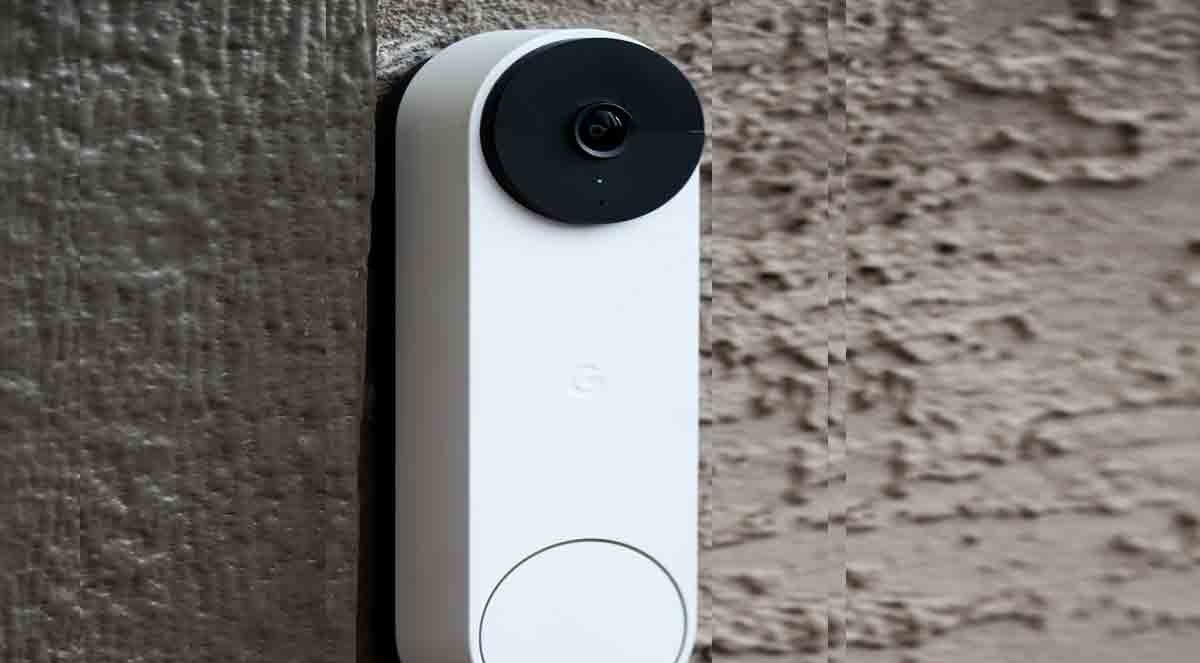
Video doorbell camera mounted beside a front door
Ring Doorbell Not Connecting to WiFi? Reconnect in the app, fix weak signal at the door, sort out 2.4 vs 5GHz. 6 official fixes.
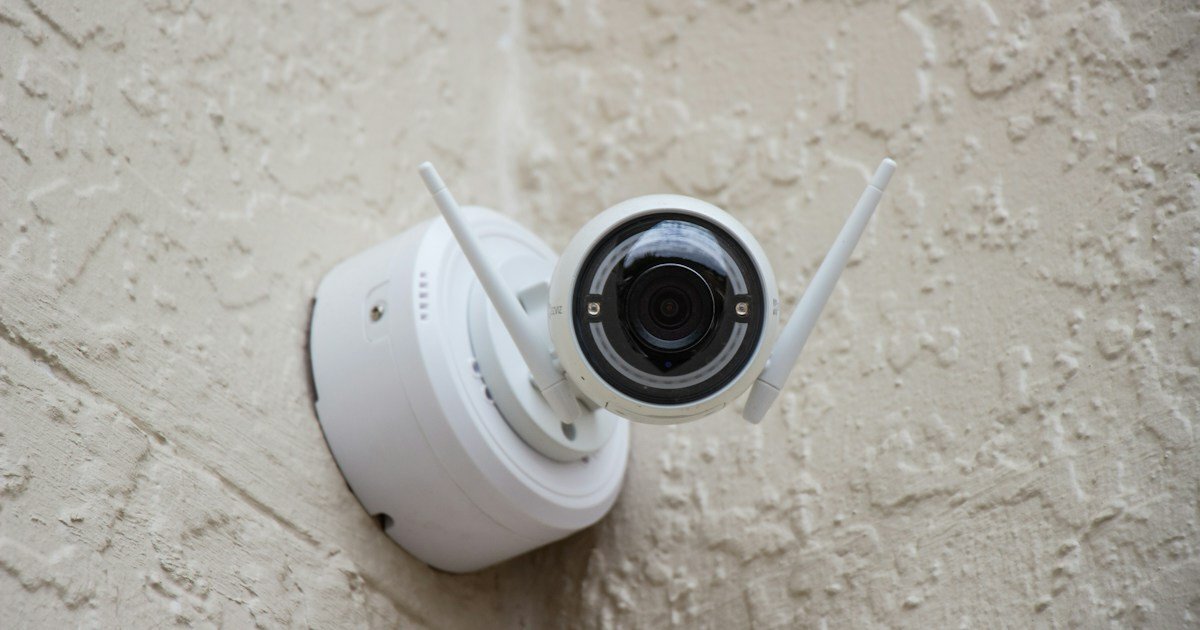
White outdoor security camera mounted on a stucco wall
Wyze Camera Keeps Going Offline? Power, signal, and 2.4GHz checks in the order Wyze lists them.
White wireless security camera mounted on a house wall
Blink Camera Not Connecting? Start with the Sync Module, then work the WiFi chain step by step.
White dome security camera mounted under an eave
Eufy Camera Not Recording Events? The security-mode setting behind most of these, plus 6 more official fixes.
Close-up of a white home security camera lens
Arlo Camera Offline? Battery, SmartHub, and interference checks from Arlo's own guide.
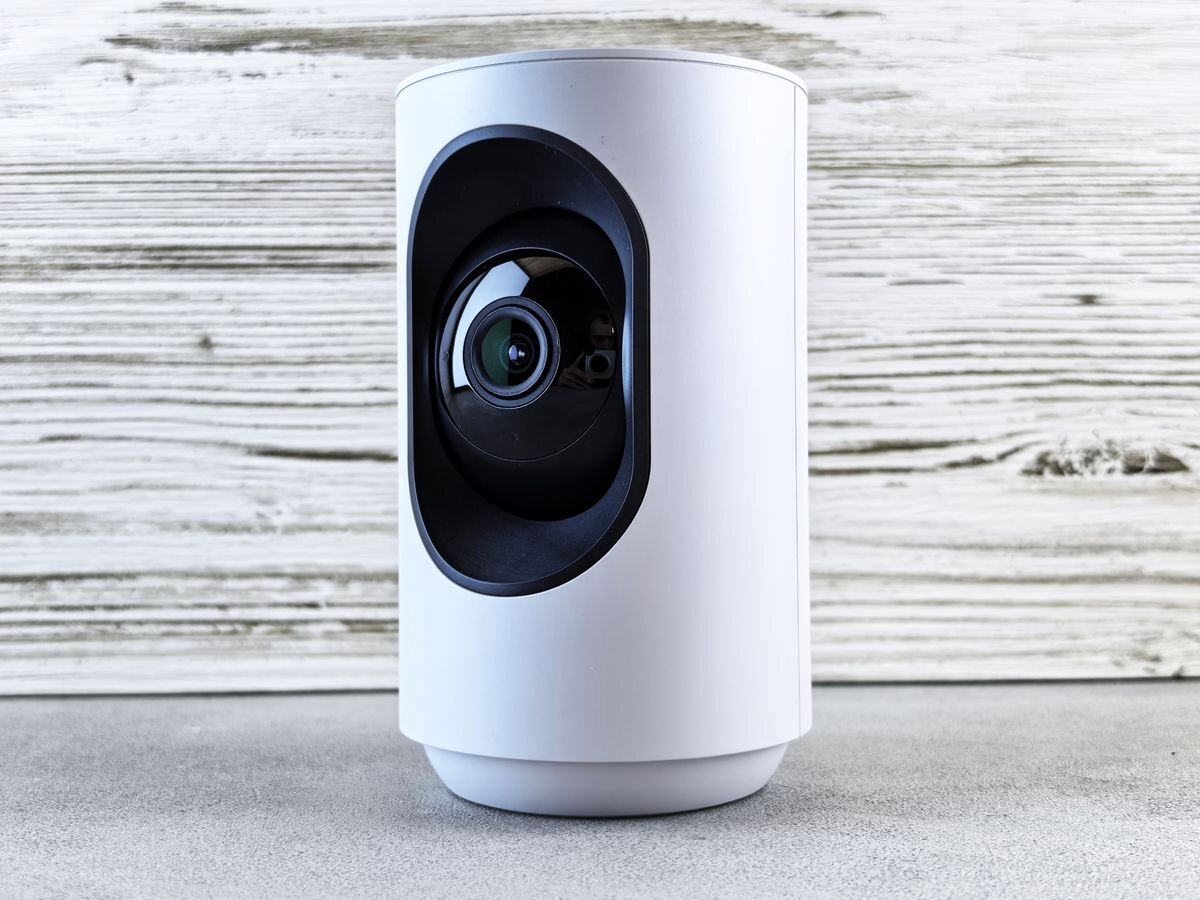
White indoor security camera on a wooden surface
Google Nest Camera Offline? Power and WiFi steps in Google's official order.

Alarm systems

Beeping keypads and offline sensors.
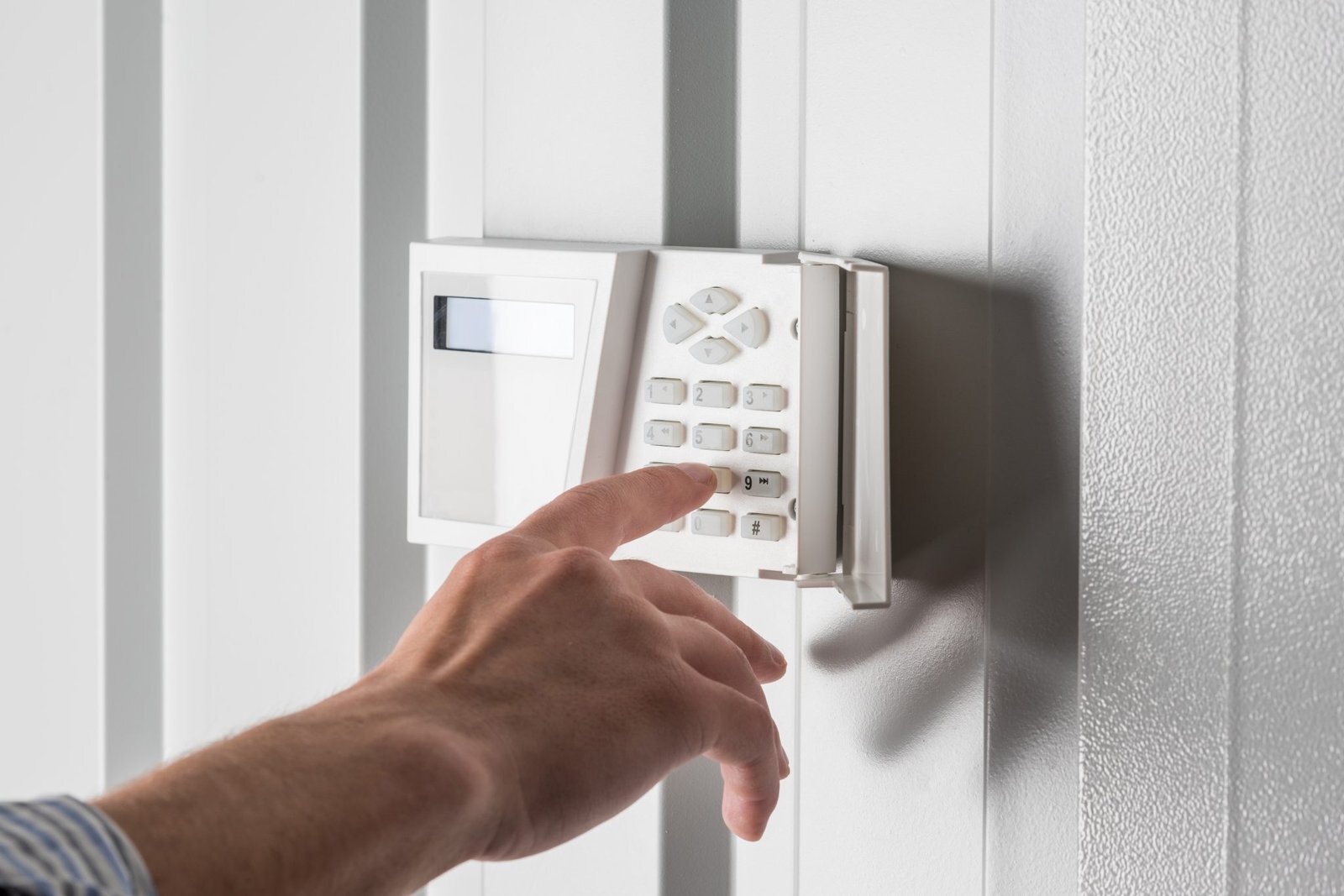
Hand entering a code on a home security alarm keypad
ADT Alarm Beeping? Silence the keypad, then fix the low-battery cause behind the beeping.
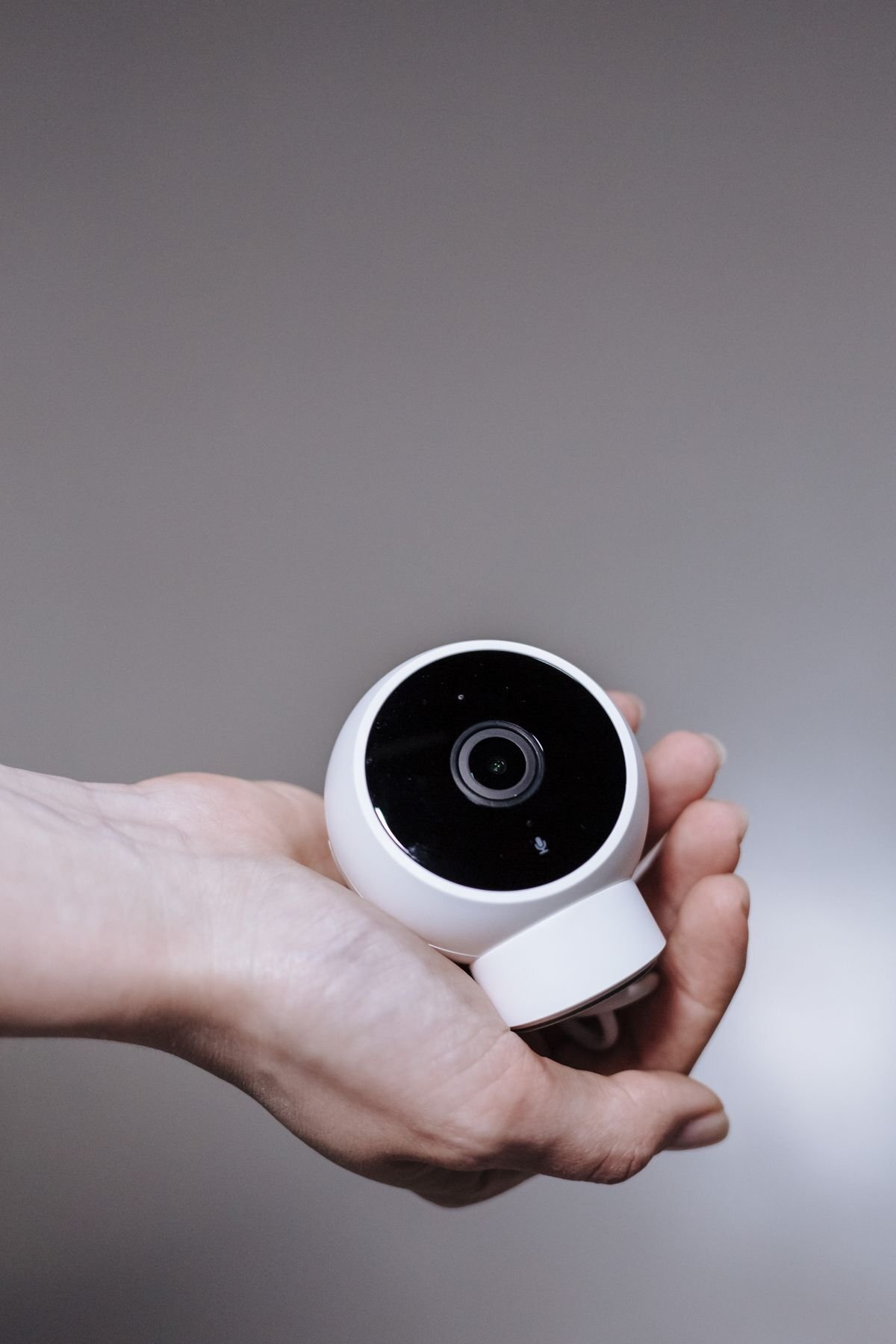
Hand holding a small white indoor security camera
SimpliSafe Sensors Offline? Fresh batteries and Test Mode, plus the beeping Trouble Signal explained.

How these guides are built

Every fix comes from the manufacturer's own support documentation, with sources and access dates at the bottom of each guide. Steps we could not verify were softened or left out. This is research, not hands-on testing, and each guide says plainly when the hardware itself is the problem.

More guides are added regularly. If your fix did not work and the hardware is done, read our guide to replacing your security system after you cancel.