
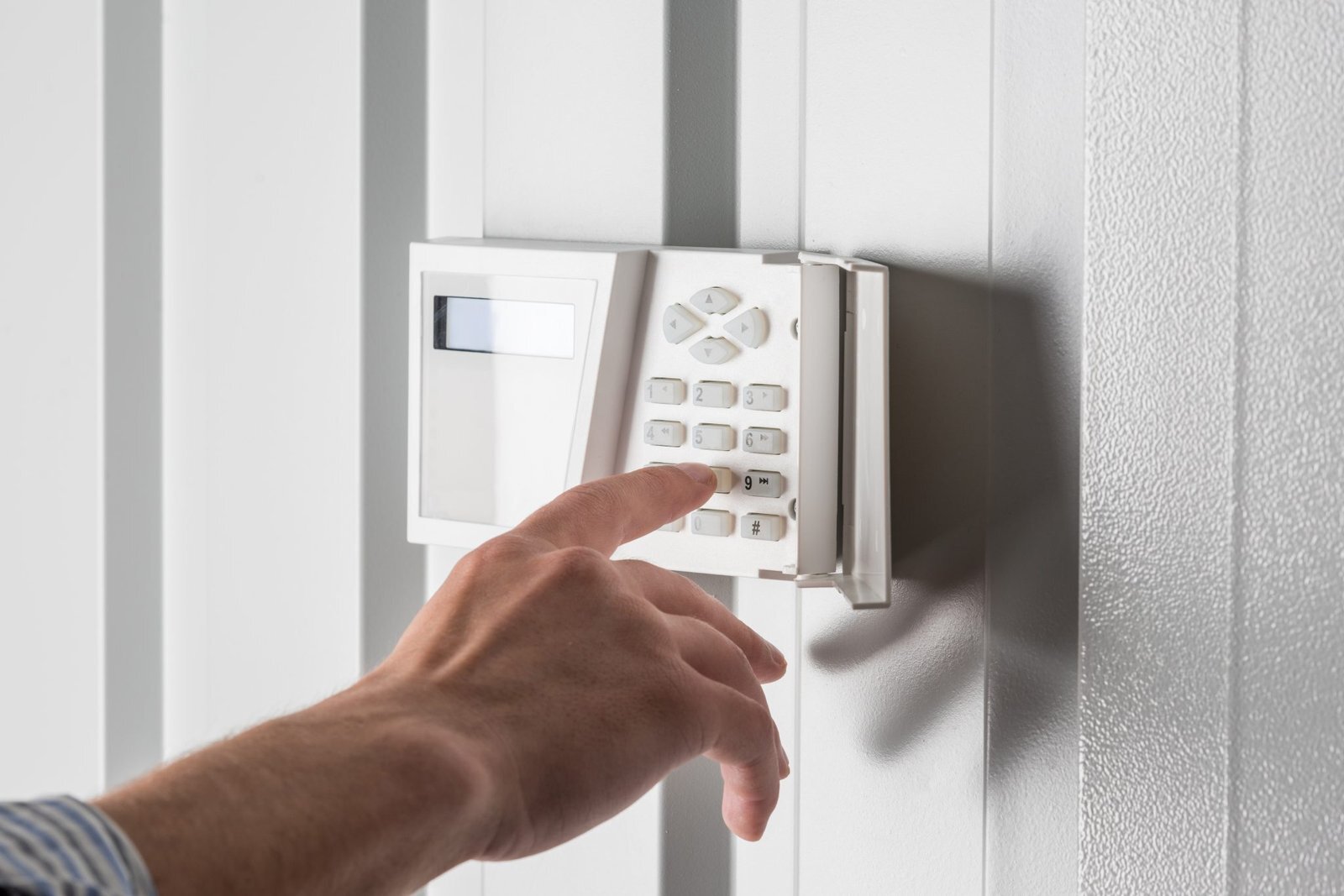
ADT Alarm Beeping? Check the Alert Before Silencing It

SecurityCompass HQ
1. Identify the panel and the exact message
Write down the displayed words or code, any zone number, and whether the sound comes from the keypad or a separate detector. Check the panel model before using a keypad sequence. In MyADT, the Alarm System section can help identify your system; ADT also provides a system manual directory.
This guide covers routine trouble alerts. If the meaning of the alert is unclear, contact ADT before disconnecting equipment or changing settings.
2. Separate a sensor battery from the system battery
Messages such as BAT, LOW BATT or SYSTEM LO BAT indicate a battery condition. ADT says a zone number generally points to a sensor battery; without a zone number, the system backup battery may be the source. The exact display varies by system.
A door sensor, smoke detector and control panel can require different batteries and procedures. Use the identified device's instructions rather than buying a panel battery based only on a beep. See ADT's battery troubleshooting guide.
3. Acknowledge a confirmed low-battery alert using your model's instructions
ADT publishes different acknowledgement sequences for different panels. Use its Silence Low Battery Beeping guide after confirming the panel and alert. Do not try a sequence intended for another system.
Silencing the sound does not repair the problem. The low-battery message can remain until the battery recharges or is replaced.
4. Check whether a power outage caused the warning
If the system recently lost AC power, its rechargeable backup battery may need time to recover after power returns. ADT's general guidance says a battery warning that persists 48 hours after AC power is restored needs further attention. That is not a reason to wait on a fire, carbon monoxide or other emergency alarm.
Read the panel's specific power or communication message too. A quiet keypad by itself does not confirm that monitoring and every sensor are working.
5. Verify the battery before replacing anything
There is no single replacement battery specification for every ADT panel. ADT's 12V system battery guide covers 4Ah, 5Ah and 7Ah batteries and directs readers to check compatibility first. Other equipment uses different battery types.
Use the full manufacturer procedure for your exact equipment, including its test-mode and power instructions. If the battery is swollen, leaking, unusually hot, split or corroded, stop and arrange service. Do not work on exposed wiring or improvise a battery substitute.
After the work, complete the prescribed system test and restore normal monitoring by ending Test Mode. If you are unsure whether protection has resumed, have ADT confirm it. A replacement battery does not prove that an unrelated communication or sensor fault is resolved.
When to contact ADT
- You cannot identify the alert, panel or affected device.
- The equipment is damaged, the keypad is unresponsive, or the warning returns.
- The problem is a communication, tamper or sensor fault rather than a confirmed battery condition.
- You need help verifying the correct replacement and that normal monitoring has resumed.
Manufacturer references
Reviewed October 8, 2026. This is an independent explanation of manufacturer guidance, not a diagnosis of your system. Alongside the linked ADT support pages, see ADT's smoke-alarm safety guidance. Follow the instructions for your installed equipment and contact ADT if they differ from this general guide.