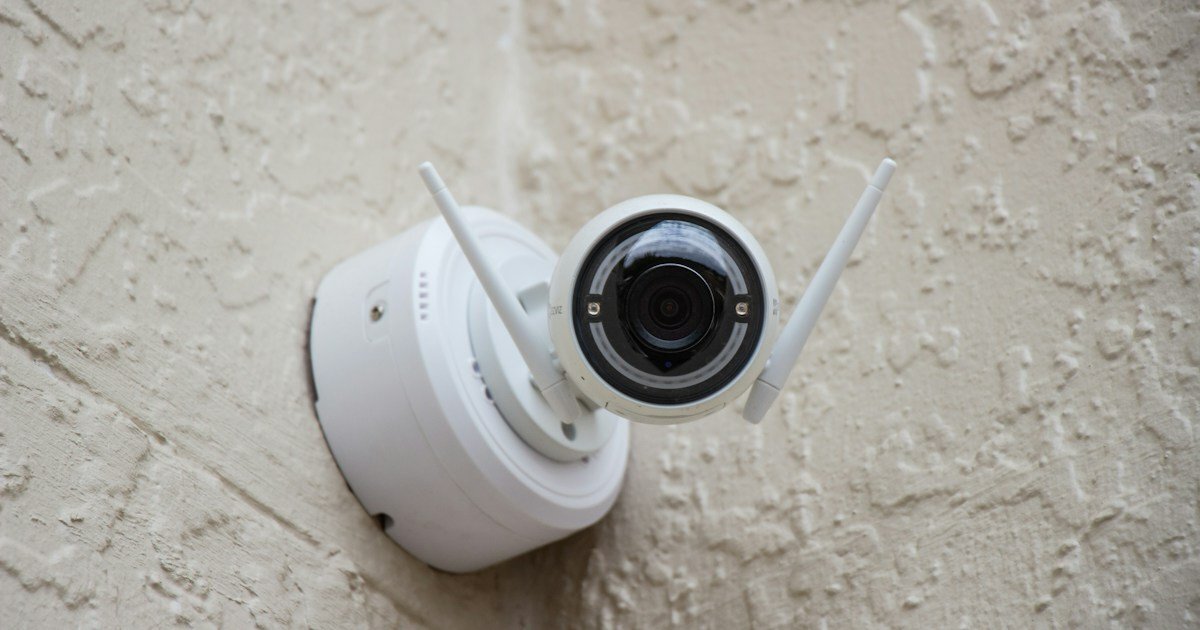
Eufy Camera Not Recording Events? 7 Fixes That Actually Work

SecurityCompass HQ
The quick answer
The most common reason a eufy camera stops recording is the security mode setting. Your camera can be detecting motion just fine, but it will not save any clips unless Record video is turned on for your active security mode (Home or Away). Open the eufy Security app, tap the Security tab at the bottom, open your Home or Away settings, and make sure Record video is checked, then tap Save. That single setting fixes most of these cases.
Fix 1: Turn on Record video in your security mode
This is the fix eufy's own support team lists first, and it is the one people miss most. Go to Settings > Security, open the settings for your active mode (Home or Away), and confirm the Record video box is checked. If your camera is in Disarmed mode, it is not recording, so switch to Home or Away. After making the change, tap Save. If the box was already checked, try unchecking it, saving, then checking it again and saving, since a mode change can leave the setting out of sync.
Fix 2: Make sure motion detection is enabled
Recording starts with detection, so confirm motion detection is actually switched on. In the eufy app, go to Settings > Detection Settings and make sure motion detection (or sound detection, if that is what you rely on) is enabled. Also check that the camera itself is toggled on in Camera Settings. A camera that is switched off or has detection disabled will never create an event clip.
Fix 3: Raise the motion sensitivity
If detection is on but the camera keeps missing things, the sensitivity is probably too low. Go to Camera Settings > Motion Detection and move the sensitivity slider up in small steps, testing each time by walking in front of the camera. Eufy says motion should be within the camera's field of view and no further than about 26 feet (8 meters) away. Some eufyCam models also have a Motion Test Mode on that same settings page, which flashes the camera's light when it sees you, so you can find a reliable setting before real events happen.
Fix 4: Check that your storage is working
A camera with nowhere to save clips will not record events. Make sure you have at least one working storage option: a microSD card inserted in the camera, or a cloud storage plan on your account. In the app, go to Camera Settings > Storage and check the card is detected and not full. If the card has failed or filled up, format it in the app or replace it.
Fix 5: Do not mount the camera behind glass
Eufy specifically calls this out. The motion sensor on battery eufyCam models is a PIR (heat) sensor, and glass blocks the heat signature it looks for. A camera mounted inside a window will often see the scene clearly but never trigger a recording. Mount it outside, or use an indoor model on the inside of the room instead.
Fix 6: Confirm the camera is online
Check the eufy app to confirm the camera shows as online and connected to the internet. A camera that dropped off Wi-Fi cannot record or send you clips. If it is offline, move it closer to your router or HomeBase, and restart your router. This guide covers the recording side, but a camera that will not stay connected needs the network fixed first.
Fix 7: Remove the camera and add it again
If every setting above looks right and it still will not record, eufy's official troubleshooting ends with re-adding the camera. Remove it from the app, then add it back as if it were new. This clears corrupted settings that a simple restart will not fix. You will need to walk through the setup flow again, including your Wi-Fi and security mode settings.
When it is actually broken
Most not-recording problems are settings, not hardware. Suspect the hardware instead if the camera will not power on at all, will not charge, shows water damage or a fogged lens, or drops on and offline repeatedly even after re-adding it. Another real hardware flag: one camera fails while an identical camera in the same spot works fine with the same settings. If the problem started right after a firmware update and none of the steps above help, contact eufy support directly rather than buying a new camera first, since some updates have caused model-wide recording bugs that support can fix.
Thinking of replacing it?
If your camera keeps letting you down, a model with dependable local recording and no monthly fee might save you the headache. See our picks for cameras with local storage and the best security cameras with no subscription, or read our guide to replacing your security system after you cancel. Start at securitycompasshq.com if you want the full picture.
Sources: eufy's official support articles "Why Isn't My Camera Recording Videos" (Indoor Cam E30) and "eufyCam E40 not detecting motion," accessed 2026-10-07.