Ring Without Ring Protect: What Still Works When You Don't Pay

SecurityCompass HQ
October 2026 · 5 min read · Research-based guide, not hands-on testing. Findings come from published specs, pricing pages, and support documentation. Ring's plans and plan names change; check the current Ring plan page before you buy.
The quick answer
A Ring camera or doorbell works without a paid plan, but it barely records. You keep live view, motion alerts, and two-way talk. You lose recorded video: no video history, no event timeline to scroll back through. If you want to see what happened at your door yesterday, you need a plan or a different camera. For cameras that record with no subscription at all, see our guide to the best security cameras with no subscription.
What still works with no plan
- Live view. Open the Ring app and watch the camera in real time.
- Motion alerts. Your phone buzzes when the camera sees movement.
- Two-way talk. Speak through the doorbell or camera from the app.
That is the complete list. Everything else sits behind the plan.
What you lose the moment you stop paying
Ring's paid plan is where the recordings live. Without it:
- No recorded video. Motion events are not saved, so there is nothing to replay.
- No video history or timeline. You cannot scroll back to an earlier moment.
- No snapshot capture. The periodic still photos Ring stitches into a timeline require the plan.
Honest catch: many buyers discover this when a free trial ends. The doorbell that showed them clips for a month suddenly only shows a live picture. If your plan is to "try it and decide later," know that the trial is showing you the paid experience, not the free one. We explain the general tradeoff in Camera Storage Days: Event Clips vs 24/7.
Why Ring is built this way
Ring cameras are cloud-first. Unlike cameras that write to a memory card or a hub in your house, a Ring camera has nowhere local to put a recording. That design choice is why the plan is not optional for recording: there is no local fallback. Our local storage guide explains which cameras keep recording when the cloud is not involved.
If you want Ring hardware without the monthly bill
You have two honest options. Pay for the plan and treat it as part of the camera's real price, or choose a camera designed for local recording. If the second option sounds better, start here:
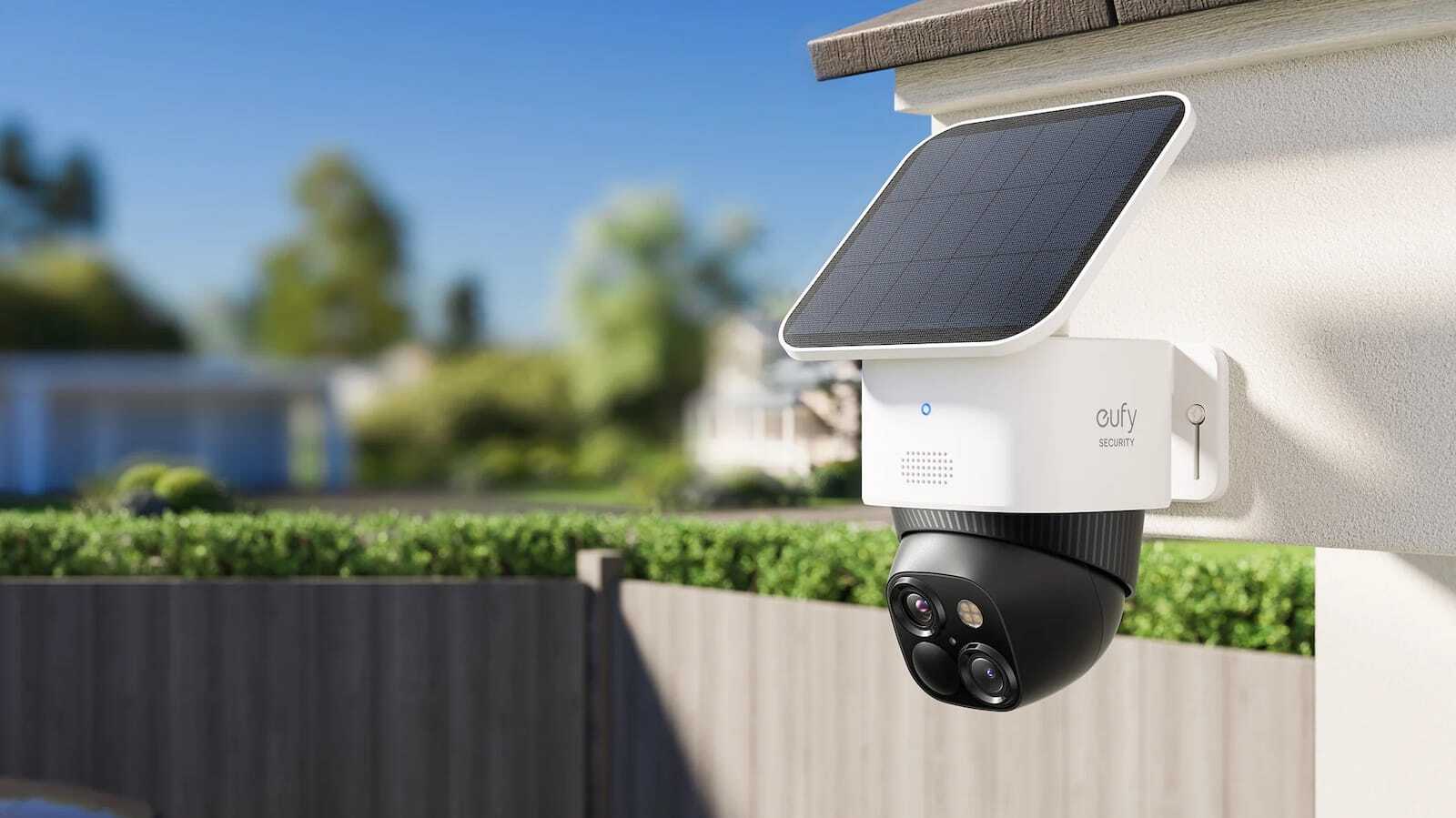
- Eufy Cameras Without a Subscription: what the biggest no-subscription brand actually gives you for free.
- Best Security Cameras With No Subscription (2026): five cameras that record with no monthly fee, with buy links.
- Camera Recording Requirements: 6 Models Compared: exact recording requirements and storage needs, model by model.
Before you decide
- Add the plan to the real price. A camera plus years of plan payments is the number that matters. Compare that total against a local-storage camera before you buy.
- Check the current plan page. Ring renames tiers and changes what each includes. What this article describes is the live-view-only baseline; the plan details are TBD and should be confirmed on Ring's site.
- Ask what you need recordings for. If you only want to see who is at the door right now, the free tier does that. If you ever want to know what happened while you were away, it does not.